Should my child still learn coding in the age of AI? A guide for Malaysian parents
11 October 2026 · 11 min read
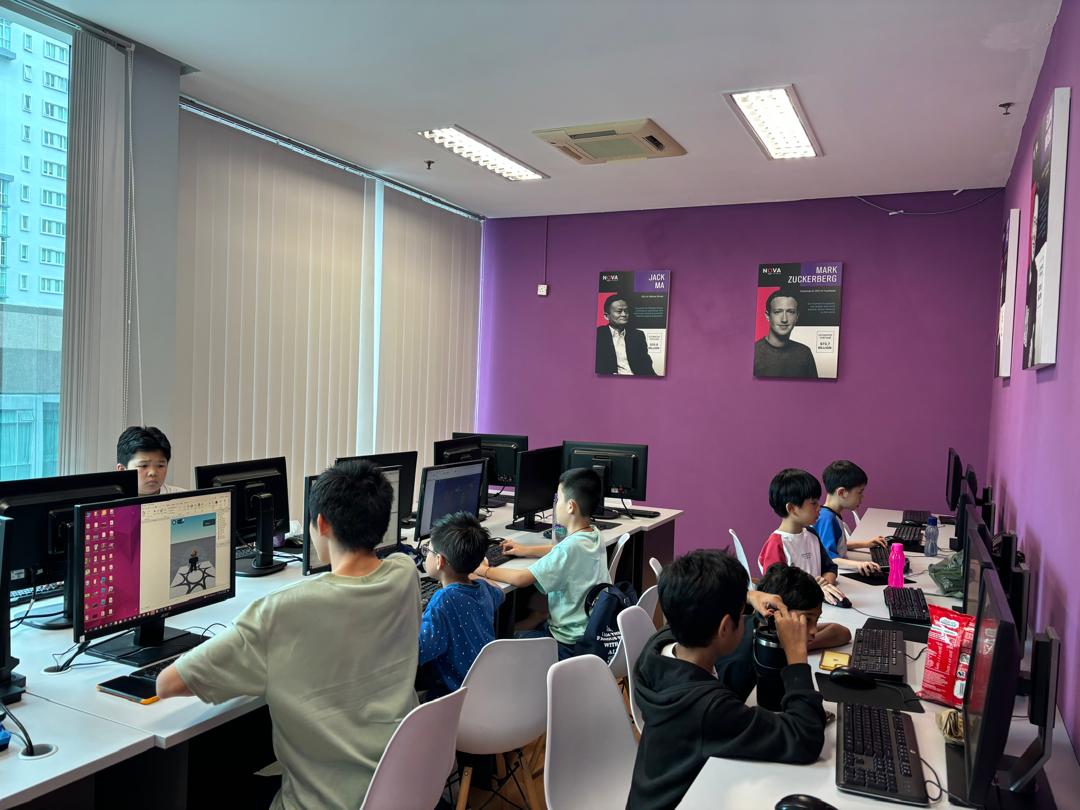
TL;DR: Yes, but what “learning to code” means has changed. AI tools can now produce working code from a plain-English request, so typing speed and memorising syntax matter less. What matters more is the thinking underneath: breaking a problem into steps, reading code, testing it, finding the bug and knowing when an answer is wrong. Children who build that foundation first and then learn to direct AI tools end up far ahead of children who only learn to prompt. Below: what AI can and can’t do, the skills that count now, what Malaysian schools already teach, what to learn at each age, and how to choose a class in KL.
We wrote a shorter take on this earlier this year in Is coding still worth it now that AI writes code?. This guide goes further. It’s for parents who are deciding what their child should actually do, and for adults weighing whether to learn programming themselves.
What AI can actually do in programming today
It helps to be specific, because both the hype and the dismissal are usually vague.
AI coding assistants are genuinely good at:
- Writing short, common pieces of code. “Sort this list”, “make a button that changes colour” and “read this spreadsheet” are tasks that have been written thousands of times before, and AI reproduces them quickly.
- Explaining code. Paste in a confusing function and ask what it does, and the explanation is usually useful.
- Suggesting fixes for a specific error message. Often, but not always, the first suggestion works.
- Translating between languages. Scratch logic to Python, Python to JavaScript, and so on.
What AI still can’t do for you
This is the part that decides whether learning to code is still worth it.
- Know what you actually meant. AI builds what you said. If the request is vague or wrong, the code will be confidently vague or wrong too. Turning a fuzzy idea (“a game where you collect stars but it gets harder”) into precise rules is the programmer’s job, and that is exactly what coding teaches.
- Guarantee the answer is correct. AI-generated code can look perfect and still fail on an edge case, mishandle data or hide a security problem. Someone has to read it, test it and judge it. A person who can’t read code can’t do that, so they have to trust it blindly.
- Hold a whole project in mind. Small snippets are easy. A real project, such as a school robotics entry, an app or a data analysis, has many parts that must fit together. Planning that structure and keeping it working as it grows is still human work.
- Take responsibility. When something breaks, “the AI wrote it” isn’t an answer an employer, a client or a teacher accepts.
In short, AI has made producing code cheap. It hasn’t made understanding code cheap, and understanding is what children (and adults) learn in a good coding class.
The skills that matter more now, not less
If you’re judging a coding programme for a child in 2026, these are the skills to look for. They’re also the skills that transfer to every other subject.
1. Breaking a problem into steps (decomposition)
Before any code is written, a big goal has to become a list of small, precise steps. This is the core of computational thinking. A child who can do it writes better programs, writes better prompts for AI tools, and also tends to plan essays and maths solutions better.
2. Reading code, not just writing it
When AI writes a first draft, the human’s job becomes reading it: following what happens line by line, predicting the output and noticing what’s missing. This is a teachable skill. It only develops through real practice with real code.
3. Debugging
Finding why something doesn’t work is the most valuable programming skill there is, and AI makes it more important, not less. A student who has spent hours tracking down their own bugs can spot a wrong AI answer in seconds. A student who has never debugged anything can’t.
4. Logic and maths
Conditions, loops, variables, coordinates, percentages and probability all sit underneath games, robots and data. Coding is one of the few places where children use maths to make something they care about, which is often what makes it finally click.
5. Directing AI well (and knowing when not to use it)
Good prompting is real, but it’s a layer on top of the skills above, not a replacement for them. The useful version is specific: describe the goal precisely, ask for one step at a time, check the result, and ask why it works. Students who already understand code get dramatically more out of AI tools than students who don’t.
What Malaysian schools already teach, and what’s coming
Malaysia has been moving in this direction for years, which is worth knowing because it shapes what your child will meet at school.
- Computational thinking since 2017. The Ministry of Education announced in 2016 that computational thinking and computer science would be built into the primary and secondary curriculum from 2017. Secondary students meet it as Basic Computer Science (Asas Sains Komputer) in lower secondary, and can take Computer Science in upper secondary.
- AI basics planned for primary school from 2027. In 2024 the Education Minister said primary pupils would learn AI basics from 2027 under a new technology and digital subject, with AI continuing into secondary-level subjects.
- #mydigitalmaker. MDEC’s #mydigitalmaker movement, launched in 2016 with the Ministry of Education, has pushed coding, robotics, 3D design and data skills into schools and maker hubs.
In other words, the school system isn’t stepping back from coding because of AI. It’s adding AI on top of computational thinking. A child who already codes comfortably will find those subjects easier. A child meeting both for the first time in a crowded classroom often won’t.
What to learn at each age
Age is a rough guide. Readiness matters more (see Is my child ready?), but this is the path that works for most children.
Ages 4–6: comfort with the computer, and logic through play
At this age it isn’t really “coding”. It’s using a mouse and keyboard confidently, following and giving step-by-step instructions, and simple sequencing games. Our Computer Basics for Kids course exists for exactly this stage. Screen time should be short, guided and hands-on.
Ages 6–9: visual programming with Scratch
Scratch removes typing so children can focus on logic: sequences, loops, conditions and events. They build games and animations and, importantly, they debug them. This is the stage where computational thinking takes root. Our Scratch vs Python post explains why the visual step matters, and Junior Computer Academy 6–9 is built around it.
AI’s role here should be small. Young children need to struggle productively with their own logic, not watch a tool solve it.
Ages 10–15: real code with Python, then AI as a tool
Around this age most children are ready for text-based programming. Python reads close to English and is the same language professionals use for data and AI. Students write their own programs first, and then learn to use AI the way developers do: to explain an error, compare approaches or speed up the parts they already understand. See Junior Computer Academy 10–15, or Think Tech Junior for students ready for more advanced projects.
Teens 15+ and adults: Python, data and AI projects
For older teens and adults, including those thinking about a career switch, the goal is building real projects: automating a task, analysing data, building a small app, and using AI tools responsibly throughout. Our Python with AI course and Python course in Kuala Lumpur page cover this path. If you mostly want to use AI tools well rather than program, AI for Daily Life is a gentler start.
Is it worth it for adults considering a career switch?
AI is changing what entry-level programming work looks like. Routine coding tasks are increasingly automated, so “I can write basic code” is a weaker selling point on its own than it was a few years ago. What remains valuable is the combination: someone who understands code, can read and check what AI produces, knows a domain (finance, logistics, marketing, education) and can turn a messy business problem into a working solution.
So for adults the honest advice is this. Learn programming to solve problems in a field you already know or want to enter, not as a generic certificate. Python plus data skills plus confident use of AI tools is a practical combination for many office roles, even if your title never says “developer”.
How to choose a coding class in KL now that AI exists
When you visit or trial a class, ask these questions:
- Do students write their own code, or mostly copy and prompt? You want to see children typing, testing and fixing their own work.
- How is AI used? The good answer is “as a tool, after the basics, with students expected to explain what the AI produced”. “Not at all, ever” is outdated. “The AI builds it for them” means they aren’t learning.
- Do they teach debugging on purpose? Ask what happens when a student’s program doesn’t work.
- Is there a clear path from age to age? Scratch to Python to projects, not one-off workshops with no progression.
- How big are the classes? Reading code and debugging need a teacher who can sit with each student. Small groups matter.
- Can your child show you what they built? Real projects, not worksheets.
Our guide to coding classes for kids in Kuala Lumpur covers class formats, ages and what to expect at our KLCC campus.
Red flags
- Promises that children will “build an app in one day” with AI and no foundations.
- No explanation of how progress is measured.
- Classes where every student follows the same video and no one gets stuck. Getting stuck and getting unstuck is the lesson.
- Marketing that treats prompting as a replacement for understanding.
The bottom line
AI hasn’t made coding obsolete. It has raised the bar on what a good coder is. The children who will be comfortable in a world full of AI are the ones who understand how software works well enough to direct it, check it and fix it. That foundation is built the same way it always was: by making things, breaking them and figuring out why.
If you’d like to see how your child responds to real coding, with or without AI, the easiest way is a free trial class at our KLCC campus.
FAQ
Will AI replace programmers, so my child shouldn’t bother?
AI is replacing some routine coding tasks, not the need for people who understand software. Someone still has to define the problem, check the output and take responsibility for the result. Those are the skills coding education builds.
Should my child use ChatGPT or other AI tools while learning to code?
After the basics, yes, with guidance. For beginners, AI tools tend to do the thinking for them. Once a child can write and debug simple programs alone, AI becomes a useful tutor and assistant.
What’s the best first programming language in the age of AI?
For young children, Scratch, because it builds logic without syntax. For ages 10 and up, Python, because it’s readable and it’s the main language used in AI and data work.
Is computational thinking already taught in Malaysian schools?
Yes. It has been part of the national curriculum since 2017, and AI basics are planned for primary schools from 2027. Extra coding practice outside school helps children go deeper than classroom time allows.
My child only likes games. Is that a good starting point?
Often it’s the best one. Building a game uses the same logic as any other program, and motivation matters. See how Roblox and Minecraft can lead into real coding.
How long until my child can build something real?
With weekly classes, most beginners build simple working games or animations within the first few months. Text-based programming projects usually follow after a solid year of foundations, depending on age and practice.