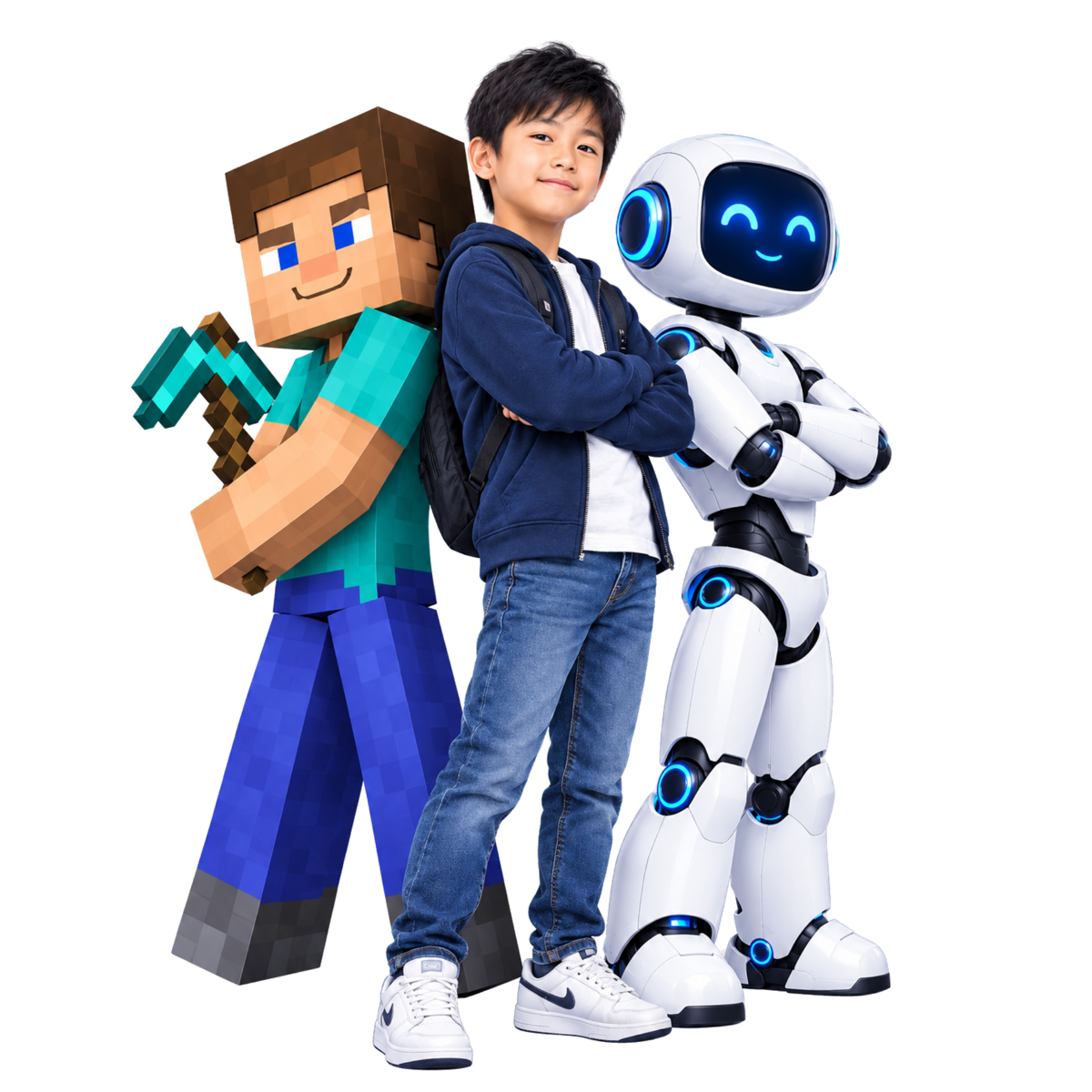
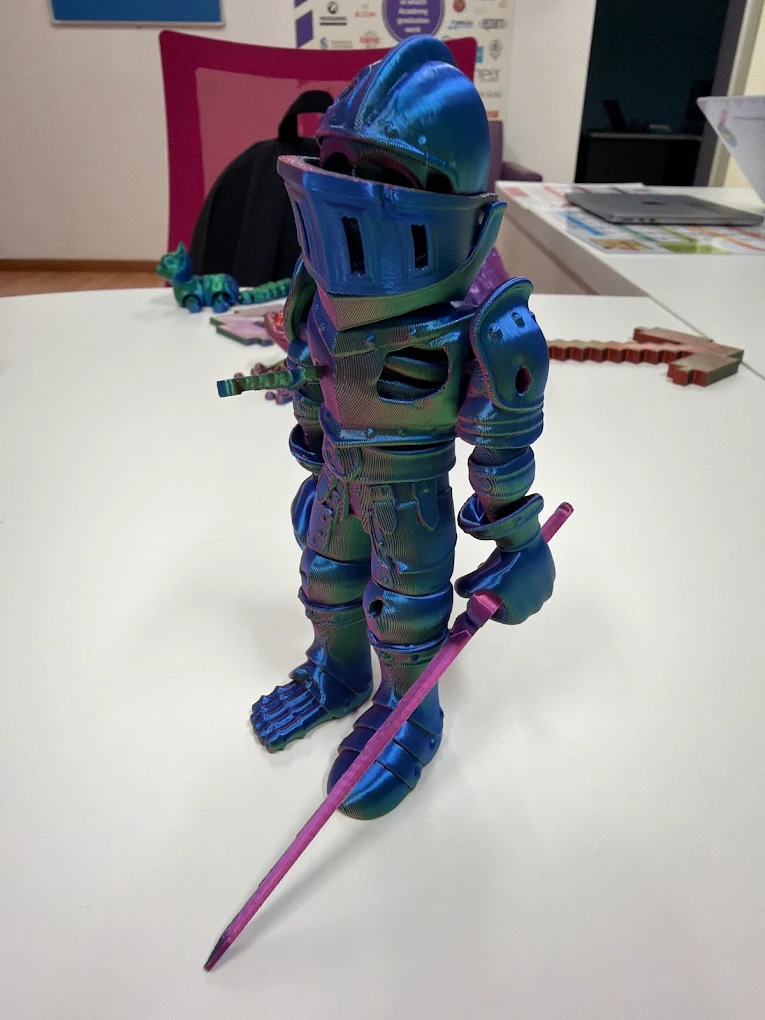
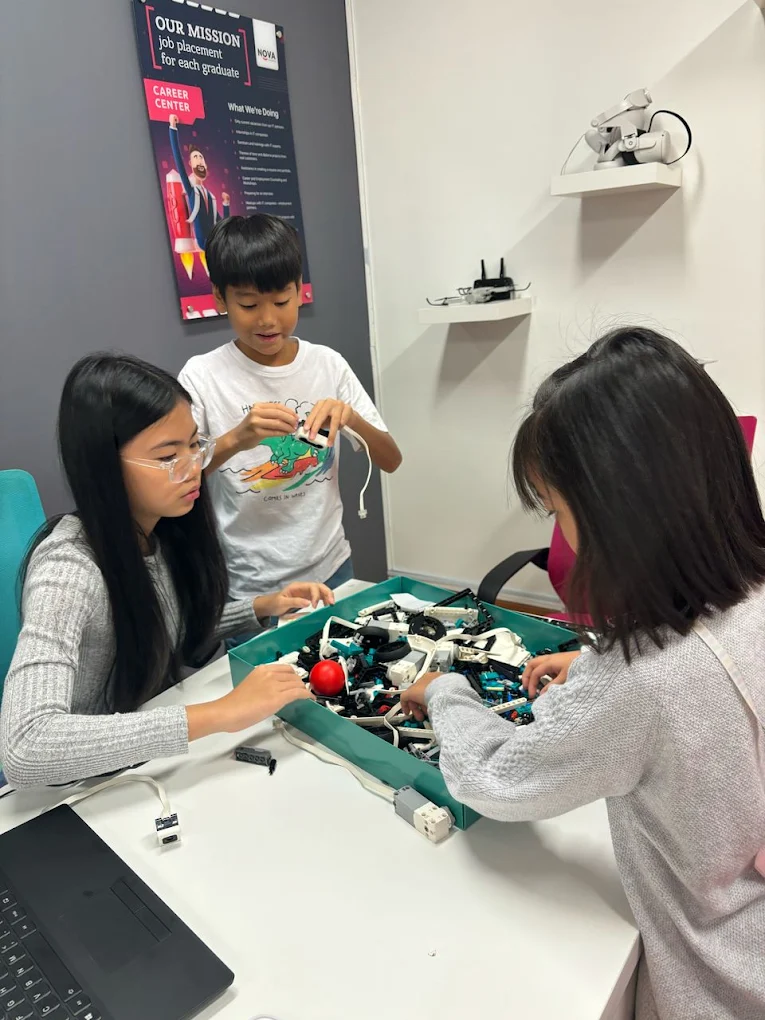
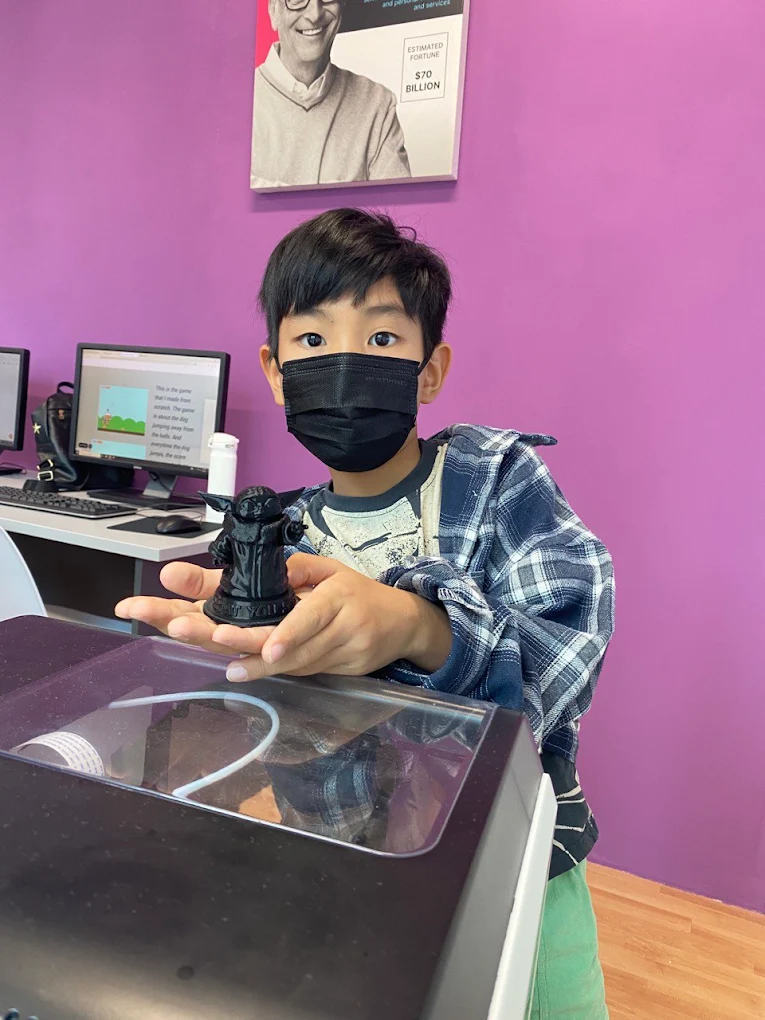
Kids don't just use the computer here. They build with it.
Coding, 3D modelling, game development and AI programs for ages 4–15 — plus career-track IT courses for teens and adults — two minutes from KLCC.
- Founded
- 1999
- Founded
- Countries
- 20+
- Countries
- Graduates
- 300,000+
- Graduates
- Location
- KLCC
- City-centre campus
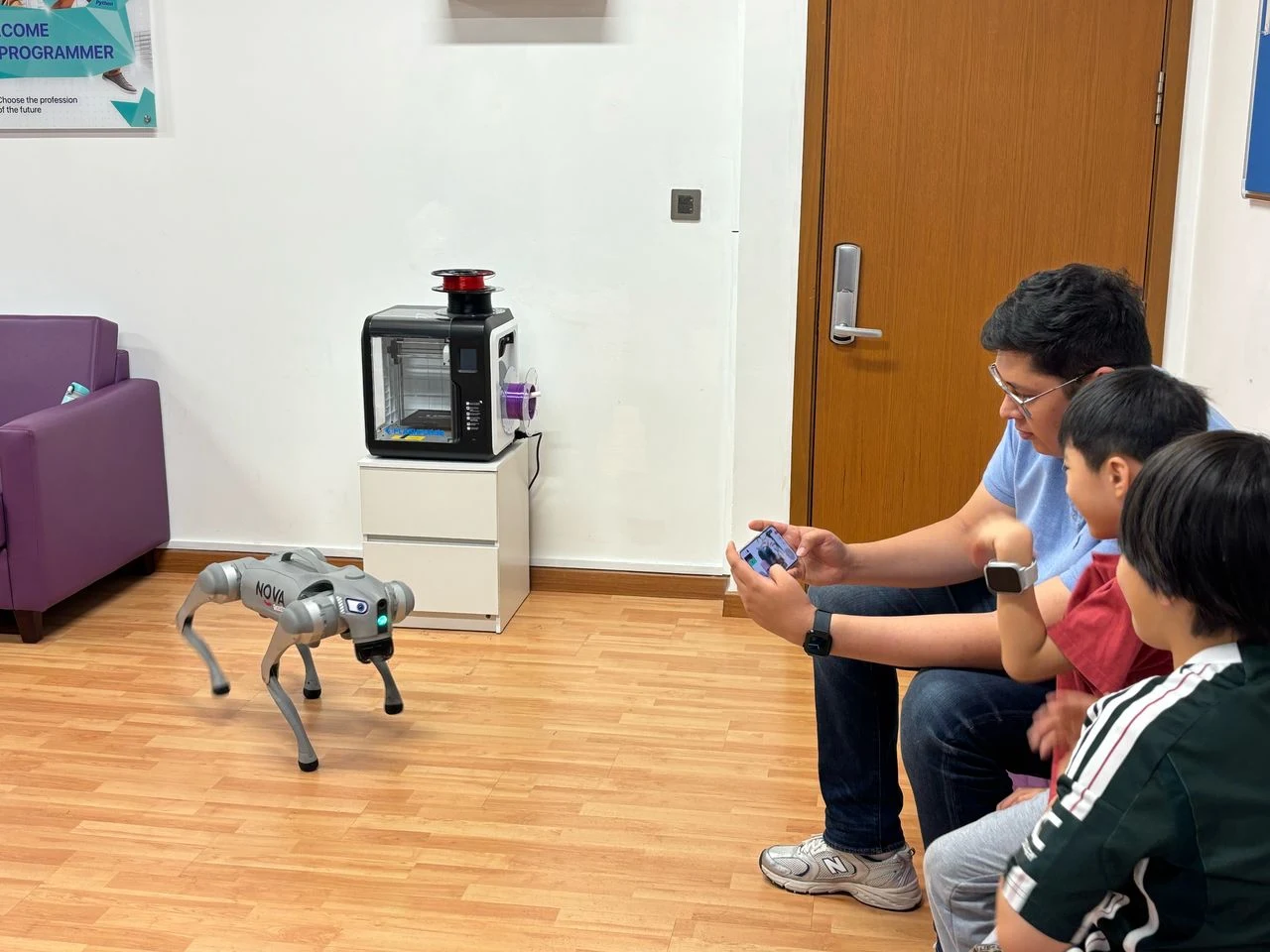
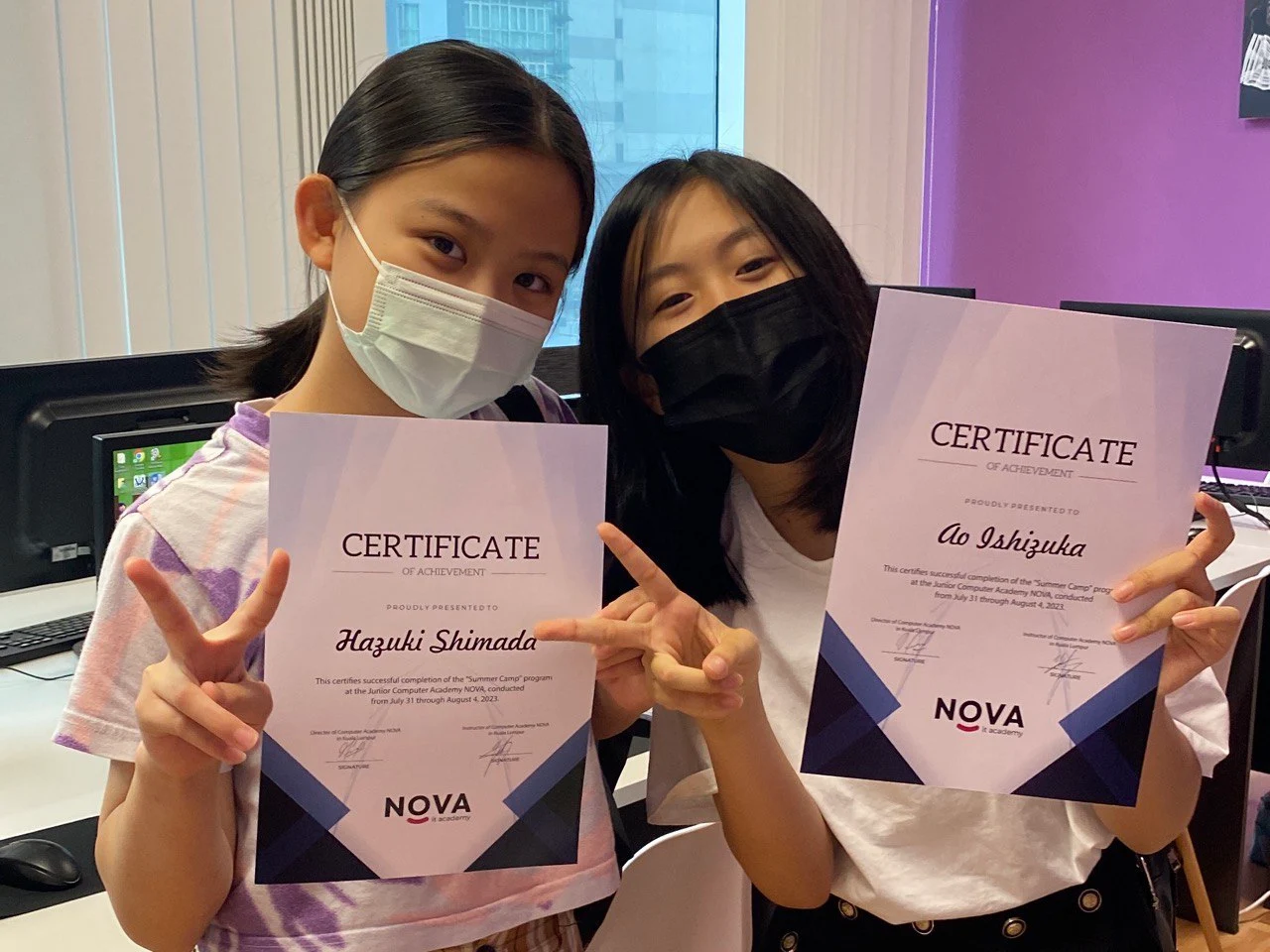
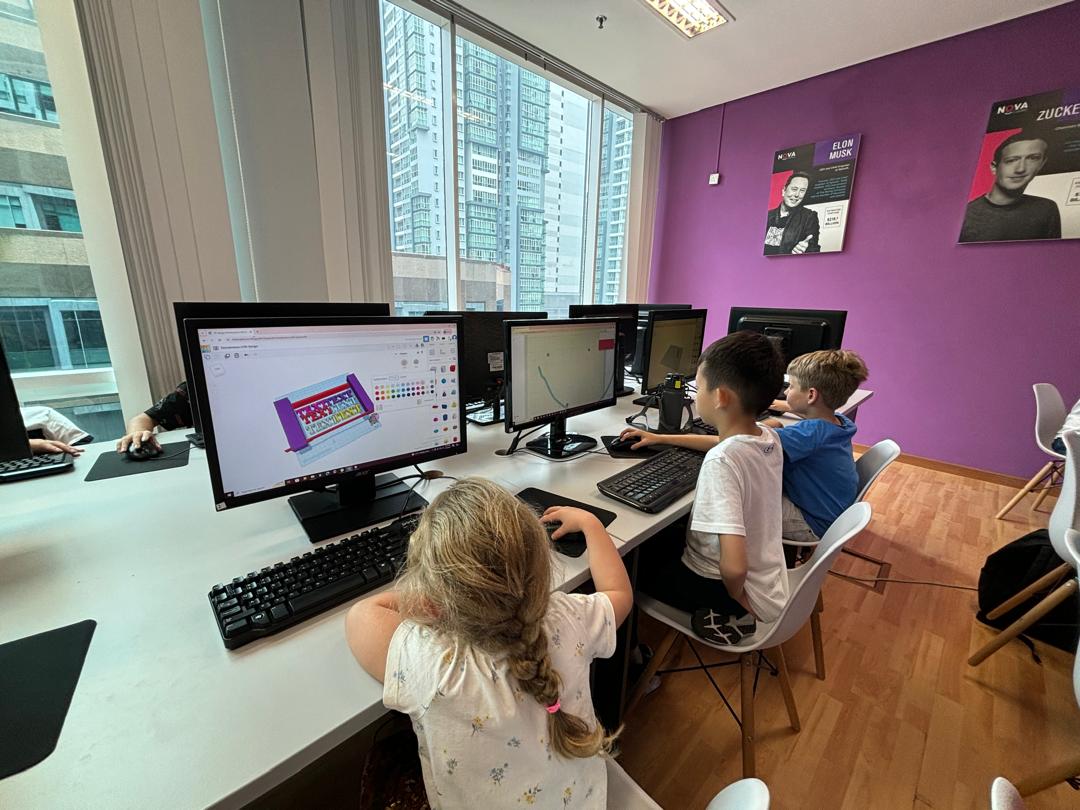
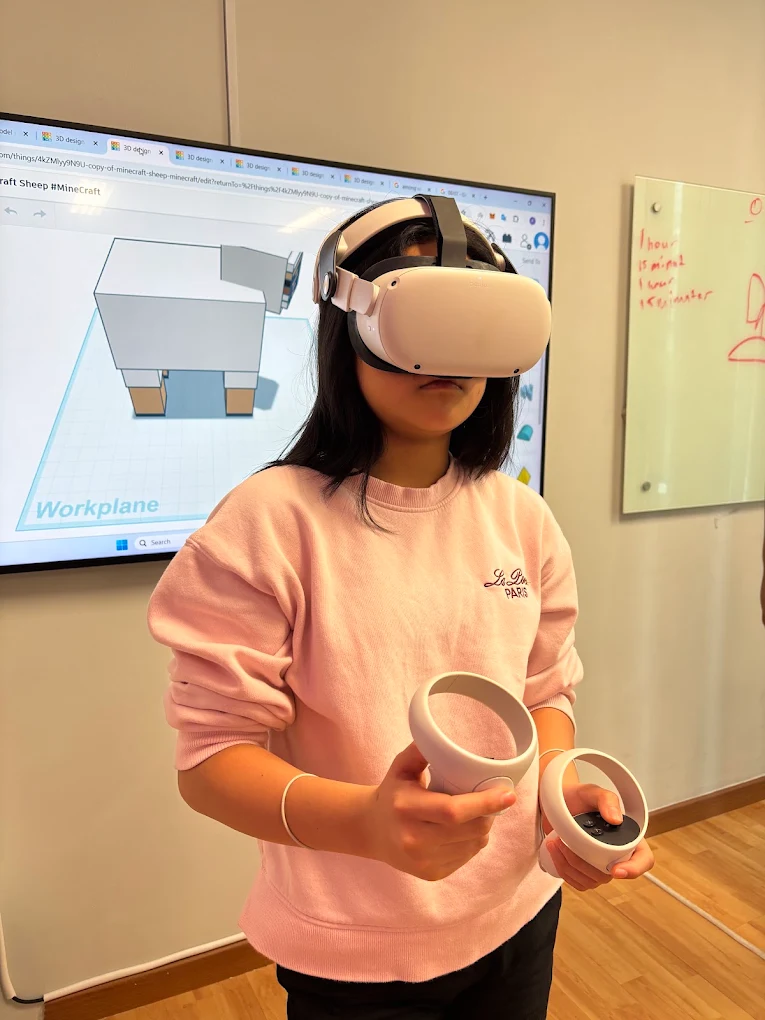
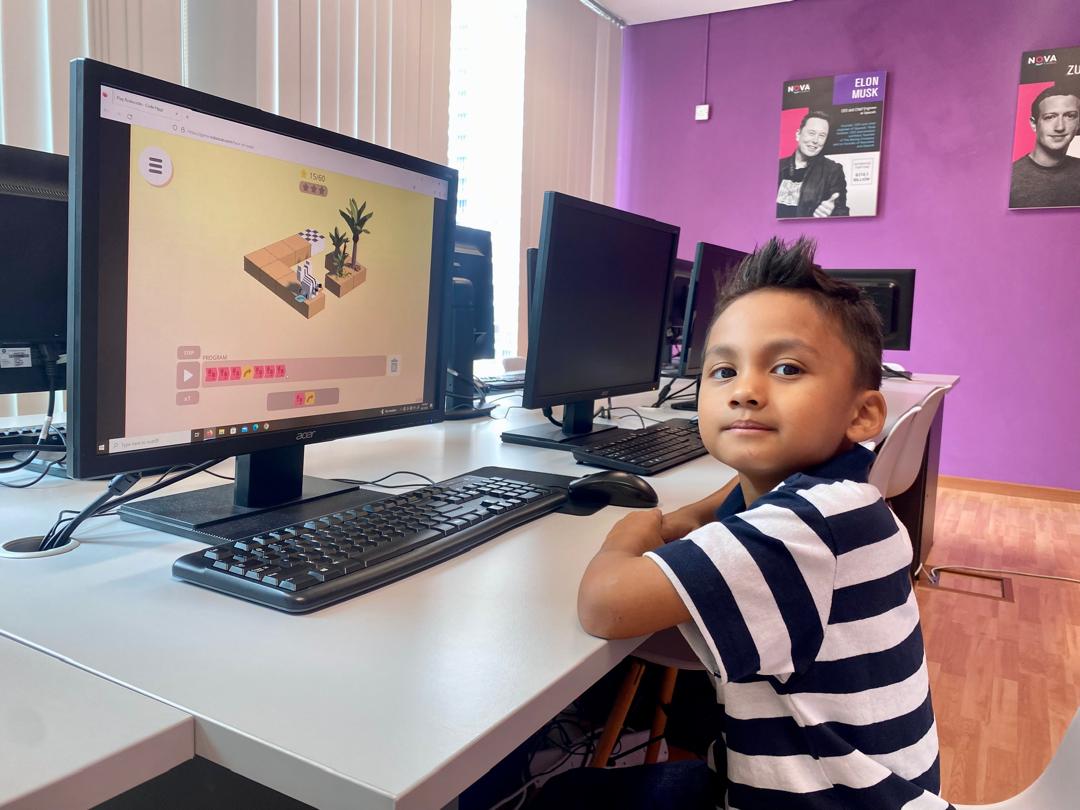
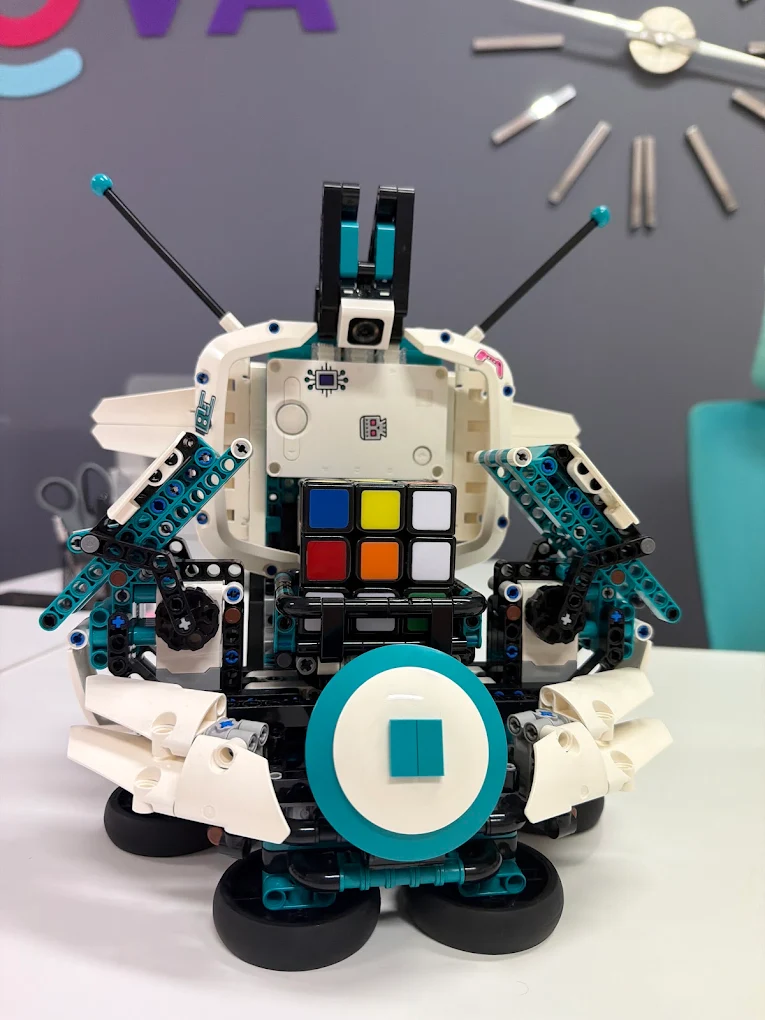
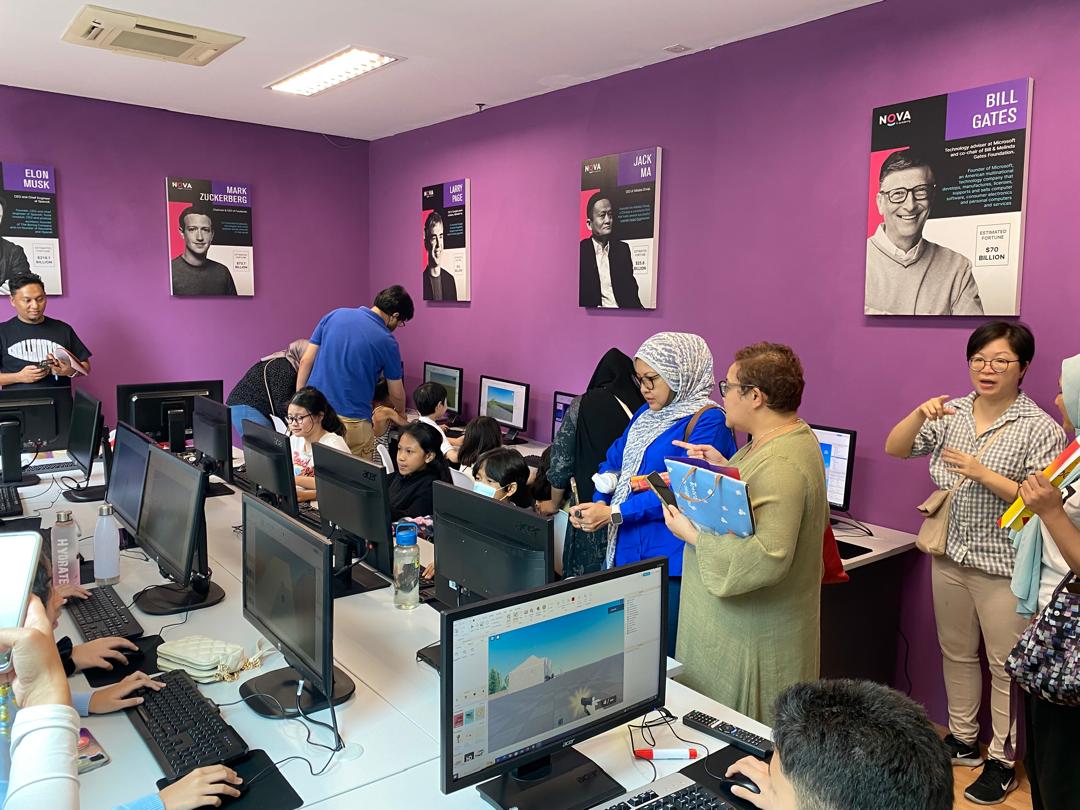
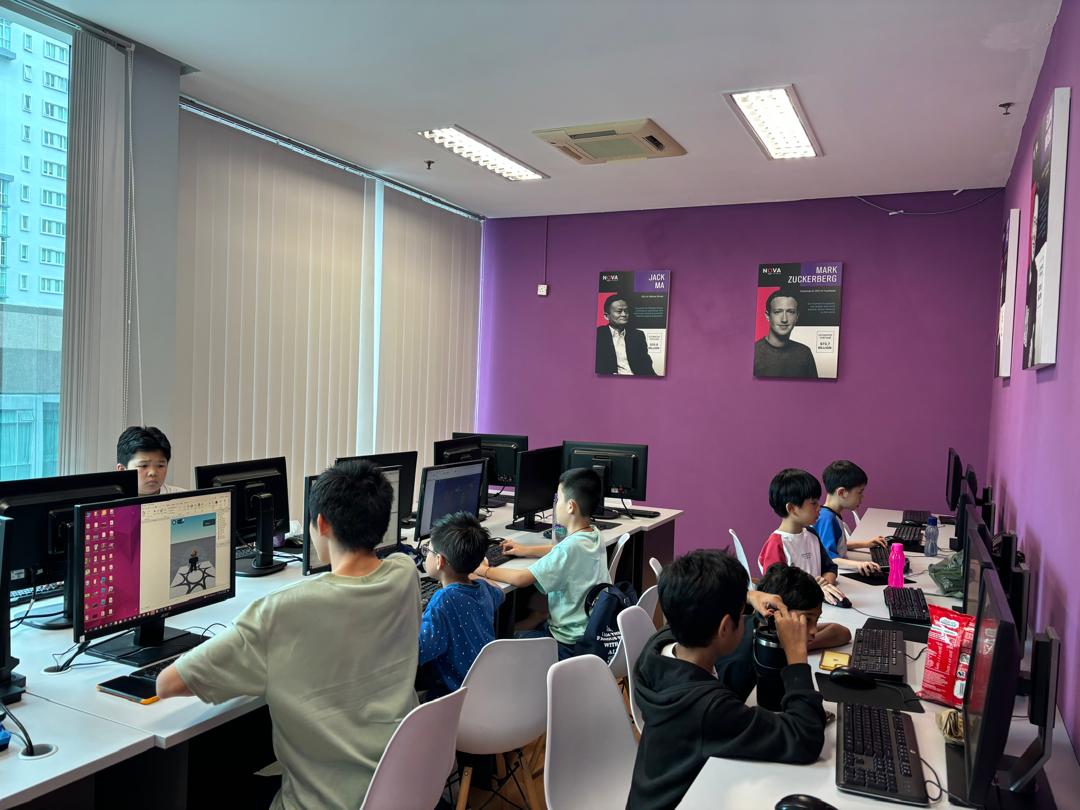
Real classrooms. Real kids.
See our campus →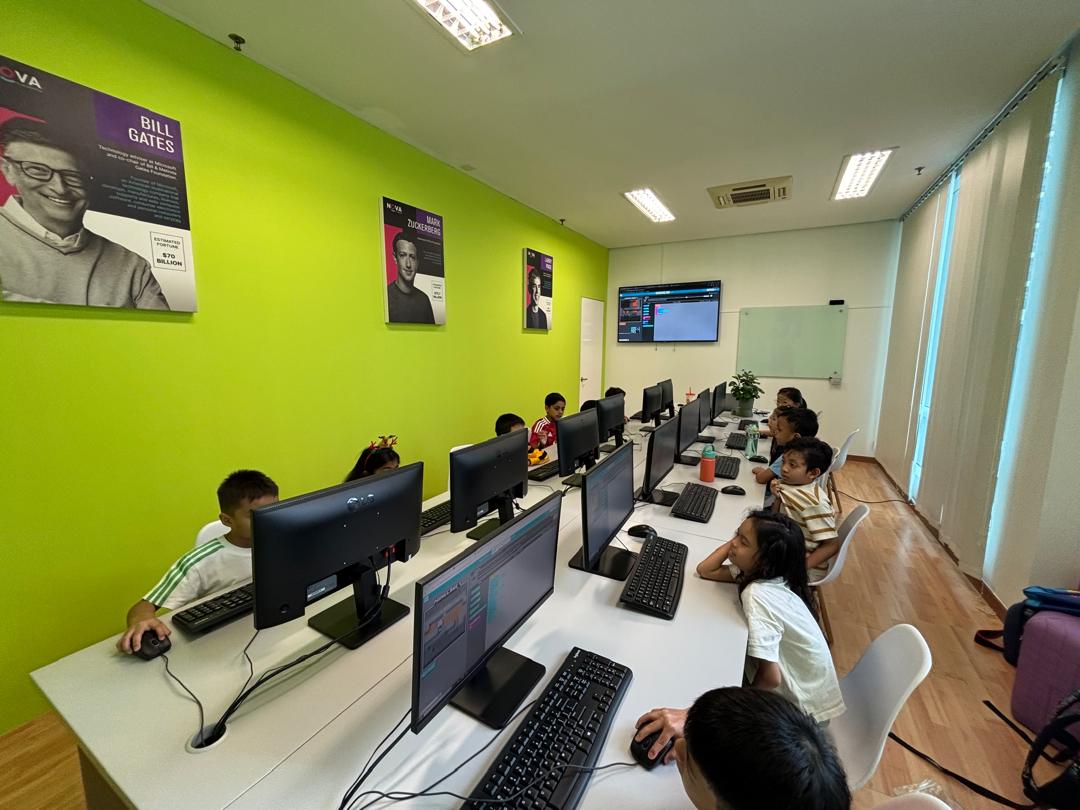
What we teach
Real programs, built for a real portfolio
For kids & teens — ages 4–15
Computer Basics for Kids
Not coding — the screen, mouse, and keyboard skills that make every other course possible, for our youngest students.
The only course with no coding at all — just the mouse, keyboard, and screen skills every other course assumes.
Game Development Program
18 classes across four real tech fields — Minecraft game design, 3D modelling, Roblox, and coding — ending in a certificate of completion.
Four real tech fields in one course — Minecraft, 3D modelling, Roblox, and real coding — no prior experience needed.
Individual Adventure
One-on-one, built around what your child actually wants to learn — AI, Python, or a path we help you choose together.
The only fully one-on-one option — your child's topic, your child's pace, no fixed curriculum.
Think Tech Junior
A 3-year, 6-semester advanced track for students ready to move faster and go deeper across the same broad toolkit.
The only track with a real semester system — and a Front-End or Back-End specialization your child chooses in the final year.
Junior Computer Academy
A 5-year program — 5 levels of 36 classes each, covering coding, robotics, AI, game design, and creative tech, built for younger beginners.
Our longest progression track — 5 full levels, 30 named modules, from first click and AI basics to advanced robotics and a final project.
Junior Computer Academy
A 3-year program — 3 levels of 36 classes each, covering Python, AI, cybersecurity, and game development, paced for older students.
3 levels, 108 classes, and a real portfolio: from AI-built apps and Arduino circuits to cybersecurity, quantum computing, and senior game development in Unity.
For teens & adults — 15+
AI for Business
Practical AI tools and workflows for the workplace.
Built around your actual job and tasks, not a generic AI demo.
AI for Daily Life
Using AI tools confidently in everyday tasks and decisions.
The only AI course with no work angle at all — just real, everyday use.
Computer Basic Skills
Everyday computer literacy — files, software and core tools.
The only course that assumes zero prior experience with computers at all — not just zero coding.
Cybersecurity
How systems get attacked — and how they're defended.
The only adult course built entirely around attacking and defending a real, hands-on lab network.
Networks
How the internet actually works, hands-on.
The only course where you configure and troubleshoot real hardware, not just diagrams.
Python with AI
From zero to writing real programs — Python for absolute beginners and career switchers, taught alongside modern AI coding tools.
Learn Python the way it's actually written today — with AI coding assistants as part of the curriculum, not a shortcut around it.
Software Development
Structured programming for real-world applications.
Our longest adult track — 2 years to a real, deployed portfolio application.
Questions parents actually ask
Straight answers
What age should my child start coding?
We take children from age 6, starting with Scratch-based visual logic rather than typed syntax. There's no wrong age to start — the class and pace adjust to where your child actually is.
Does my child need any prior experience?
No — most students start with zero coding background. Classes begin with visual, block-based tools like Scratch before moving into typed languages.
What's your class size and teacher-to-student ratio?
Each classroom holds a maximum of 8 or 12 students, so instructors can actually watch each child's work rather than teach to the back of the room.
What happens if my child misses a class?
Every week we run a replacement class for students who missed their regular session — a one-on-one slot or a group class with a teacher, at no extra charge.
Is coding still worth learning now that AI writes code?
More than before, not less — someone still has to know if the AI's answer is right. We teach kids to direct AI tools deliberately, not to avoid them.
Why pay when Scratch and Code.org are free?
They're genuinely good starting points, and we say so. What they don't give a child is a real instructor watching their specific mistakes, a peer group, and a defined next step.
See what your child builds in one session.
1 hour. One instructor. One real project started.